

Messy or confusing folders in digital art is something that everyone has most likely experienced at least once (if you're lucky). So here I am to make your life just a bit easier.
Here are 3 very useful shortcuts for folder management in Clip Studio Paint that a lot of people probably don't even know exist as many people tend to not read the user manual, but luckily for you, I do😉.
I also have a shortform video on my Instagram page, that you can check out if you want, as this will be only pictures (gifs).
This is a part of my Quick Tips series which will go over various tools in regard to CSP in quick simple posts.
1. Open or close folders on the same level
If you hold Ctrl and click the folder dropdown, it’ll open or close every folder on the same level. Levels are how indented folders are from one another.
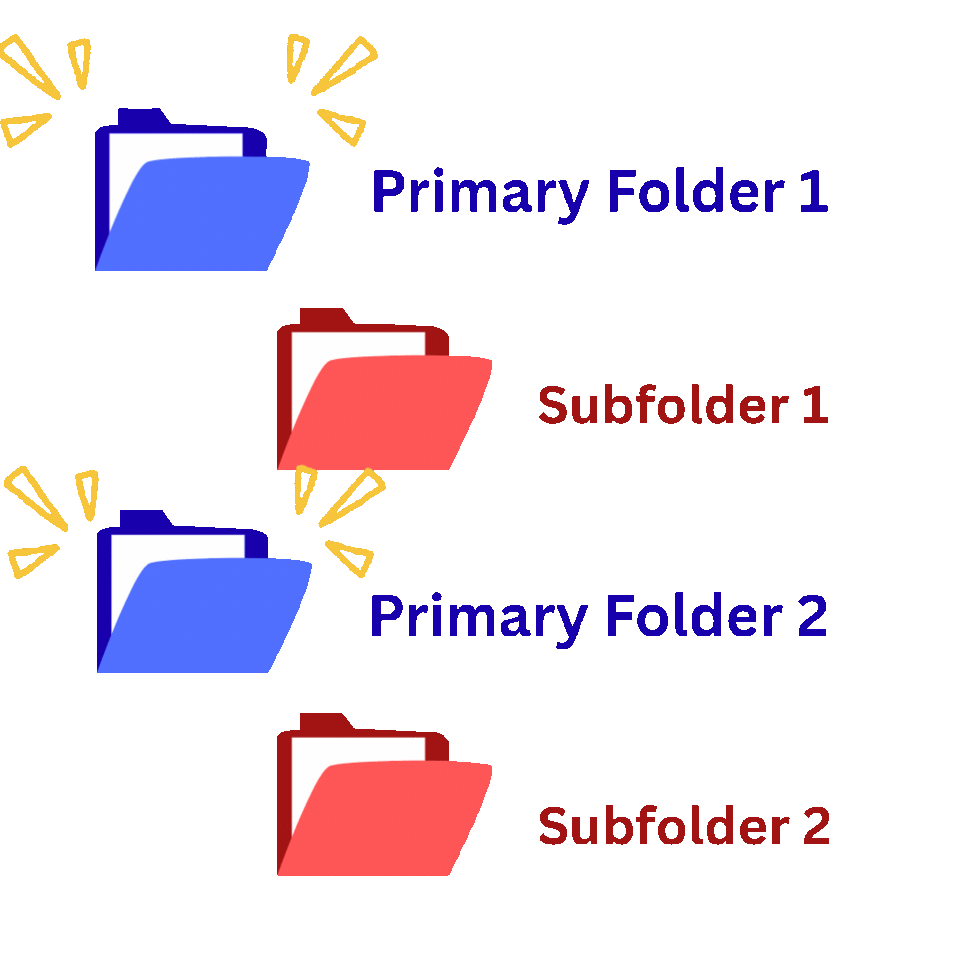
Here folders on the same levels have the same colour. The first set is blue and the subfolders on the same level are coloured red.
If I ctrl click on one of the blue folders’ dropdown, all the blue folders will close. If you want to reopen them, do the same.
2. Open or close a folder and all its subfolders
If you hold Alt and click the primary folder’s dropdown, it’ll affect the selected folder and every folder inside that folder. This includes folders within subfolders.
This can be very useful for cleaning up big folder stacks fast. If you want to reopen everything, alt click again.

3. Open or close every folder at once
If you hold Ctrl and Alt while clicking any primary folder’s dropdown, you can open or close every folder in the entire file.

Users who liked this post










Comment